Cabby 1.9.0 - Key Bindings, Flight Sharing & More Control Over Your Experience

Version 1.9.0 is here with several highly requested features: customizable key bindings, flight sharing via user links, POI announcement limits, audio output device selection, and manual temperature unit control.
Key Bindings ⌨️
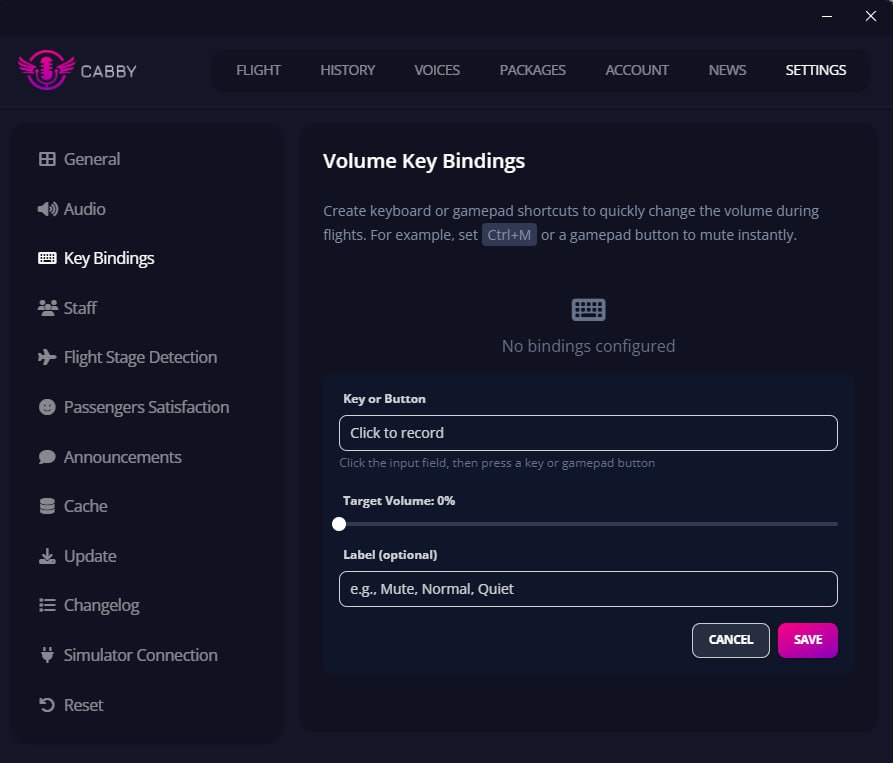
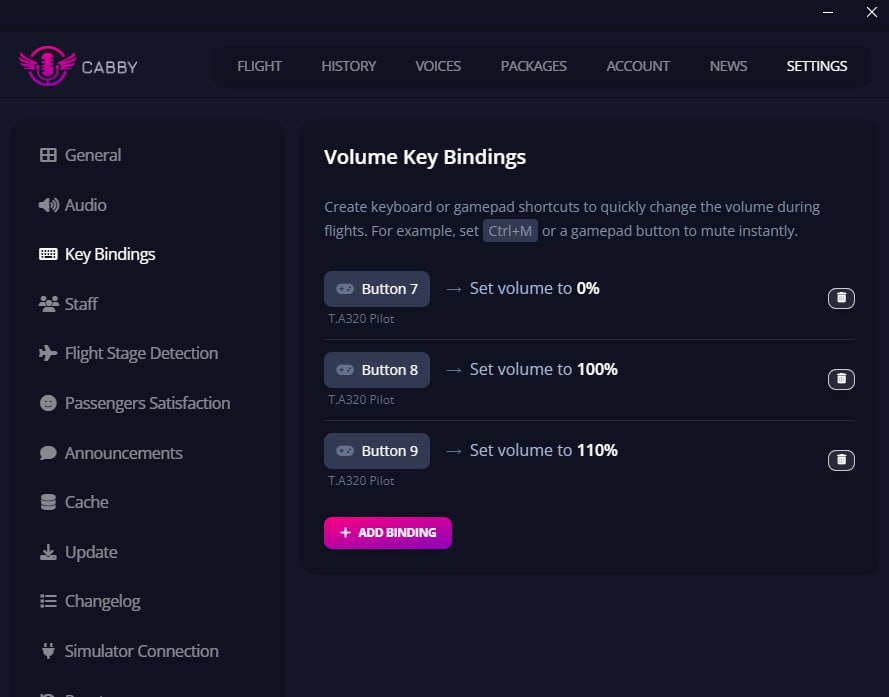
You can now create custom keyboard and gamepad bindings to set Cabby's master output volume to a specific level. Create bindings for different volume presets - for example, one key for 50% volume during ATC communications and another for full volume during cruise.
Once created, your bindings are displayed in an organized list for easy management.
Check out our dedicated Key Bindings documentation for detailed setup instructions.
Flight Sharing via User Link 🔗
Flight sharing just got easier! Previously, you could only share flights using a specific flight ID link. Now you can share your personal user link, and anyone with that link will automatically see your current in-progress flight.
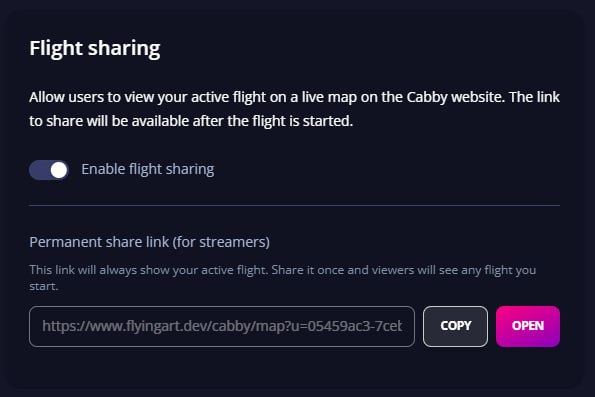
This is perfect for:
- Streaming your flights - viewers always see your live flight
- Sharing with friends who want to follow along in real-time
- Virtual airline operations where dispatchers monitor active flights
POI Announcements Limit 📍
Flying over areas with many points of interest? You now have control over how many POI announcements you hear per hour. This prevents announcement overload during flights over densely populated regions while still keeping you informed about significant landmarks.
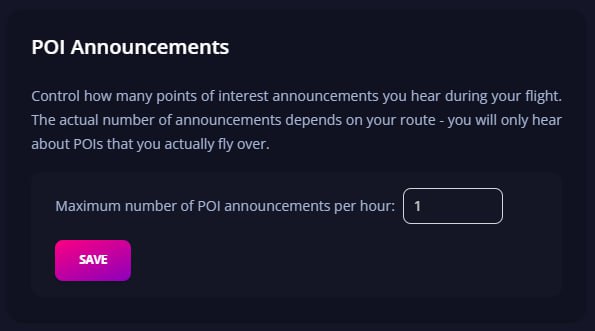
Find this setting in the "General" settings tab.
Audio Output Device Selection 🔊
A highly requested feature - you can now select which audio output device Cabby uses for announcements. This is particularly useful if you:
- Use a VR headset with separate audio
- Have multiple audio devices connected
- Want Cabby announcements on specific speakers
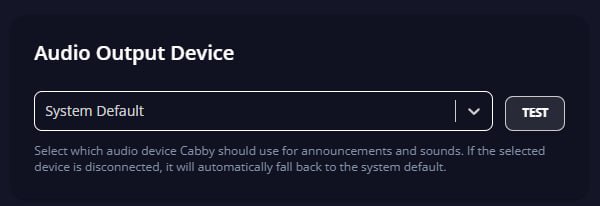
Access this setting in the audio settings section.
Temperature Unit Selection 🌡️
Previously, Cabby automatically determined whether to use Celsius or Fahrenheit based on your destination. Now you can manually override this in the flight preparation settings. Whether you prefer metric or imperial, the choice is yours.
Other Improvements
This release also includes:
- Flight preparation UI improvements
- Discord Rich Presence connection handling fixes
- AudioContext stability improvements
- Various UI polishing
Support ❤️
If you enjoy using Cabby and want to support continued development, consider donating. Your support helps us keep improving and adding new features.
Happy flying! ✈️
Ready to try the new features? Download Cabby and update to version 1.9.0!